Resources
Field notes on AI calling that actually works.
Guides, playbooks and straight answers from building AI phone agents for real revenue teams.
Guide · 10 min read
How to build an AI voice agent that prospects don't hang up on
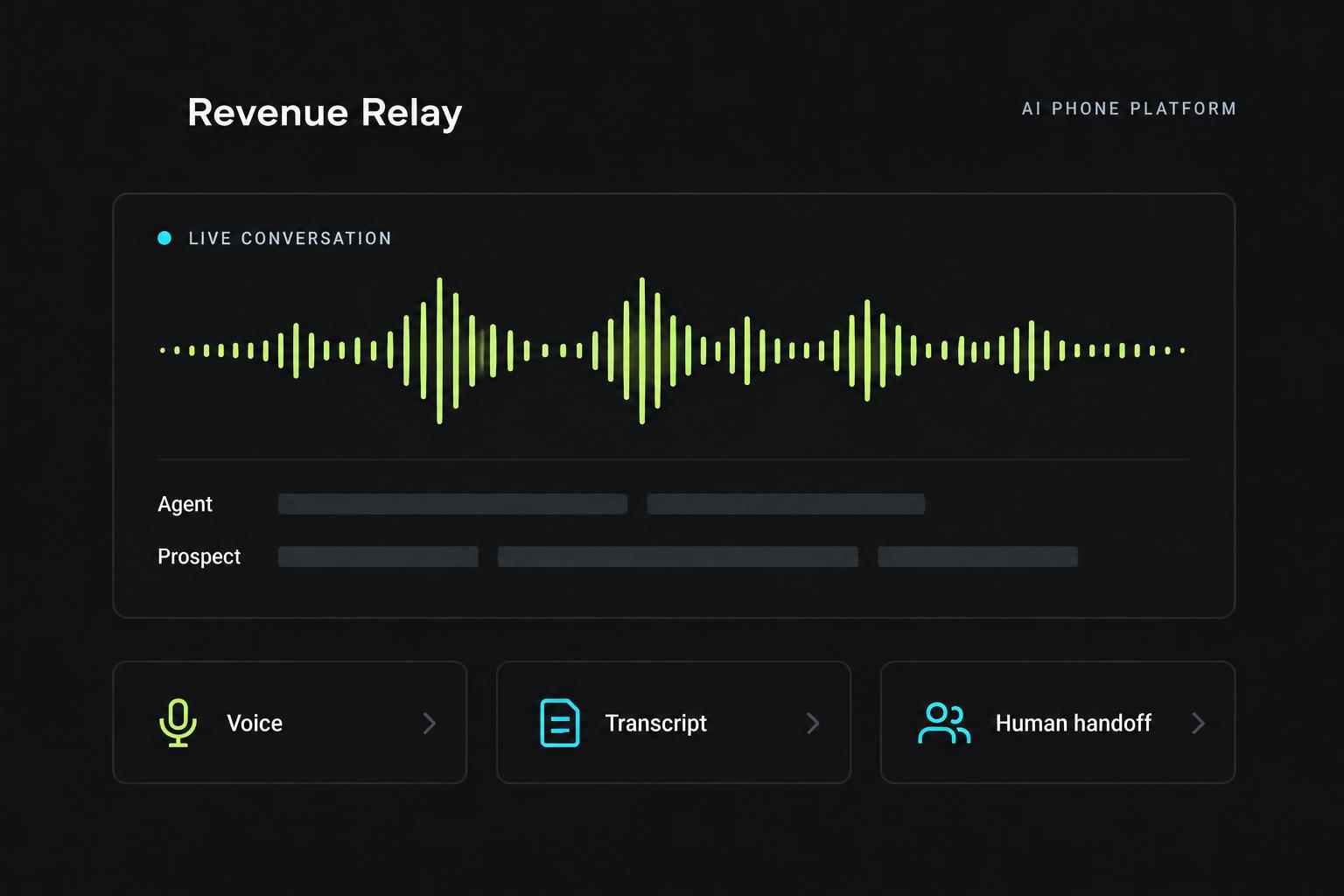
A practical Revenue Relay walkthrough: define an outcome, write a concise opening, configure what to collect, test objections and review the conversation—with actual product screenshots.
Read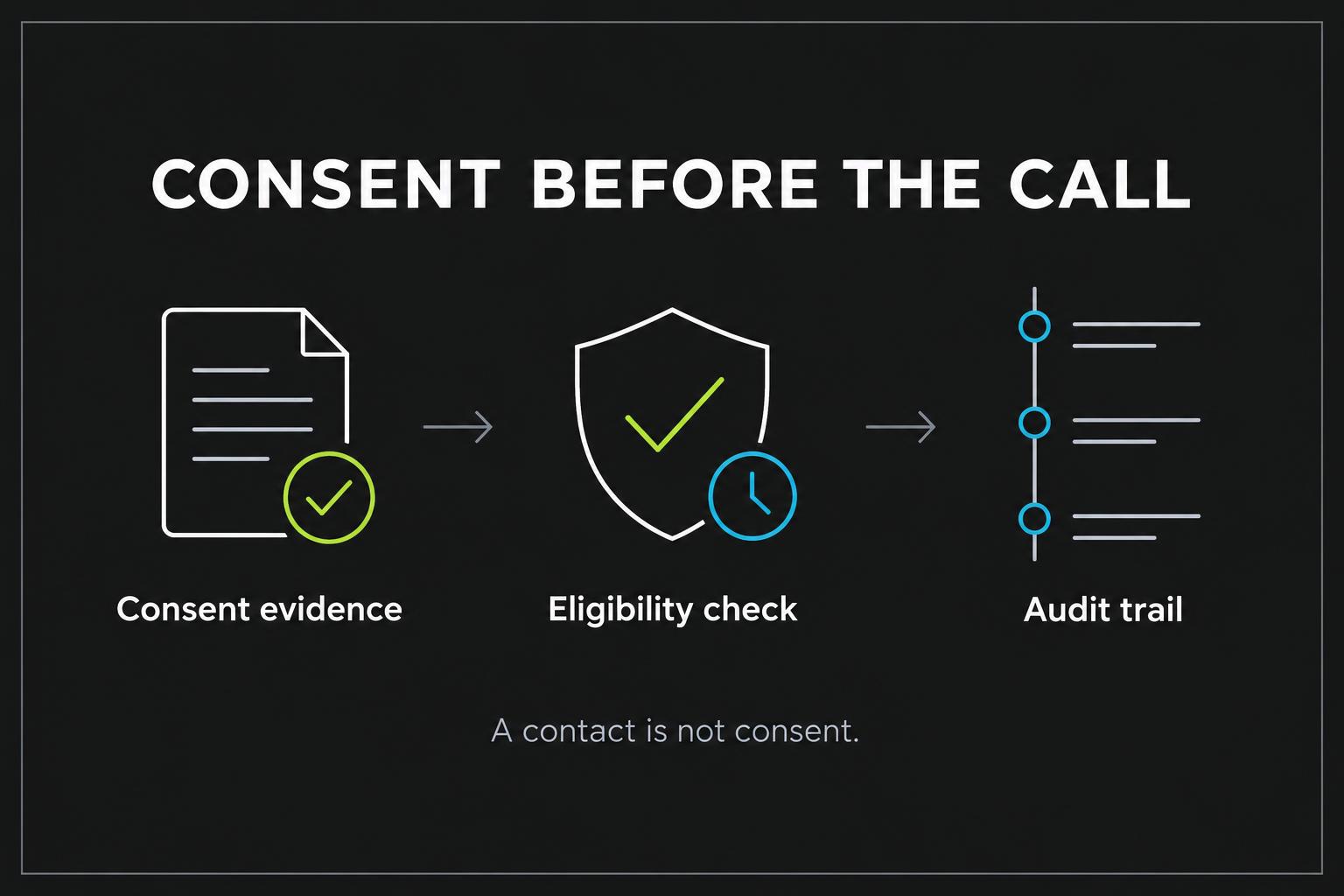
Compliance · 6 min read
A contact is not consent: building a defensible calling process
Why importing a lead list doesn't grant permission—and what to record before an AI agent dials.
Read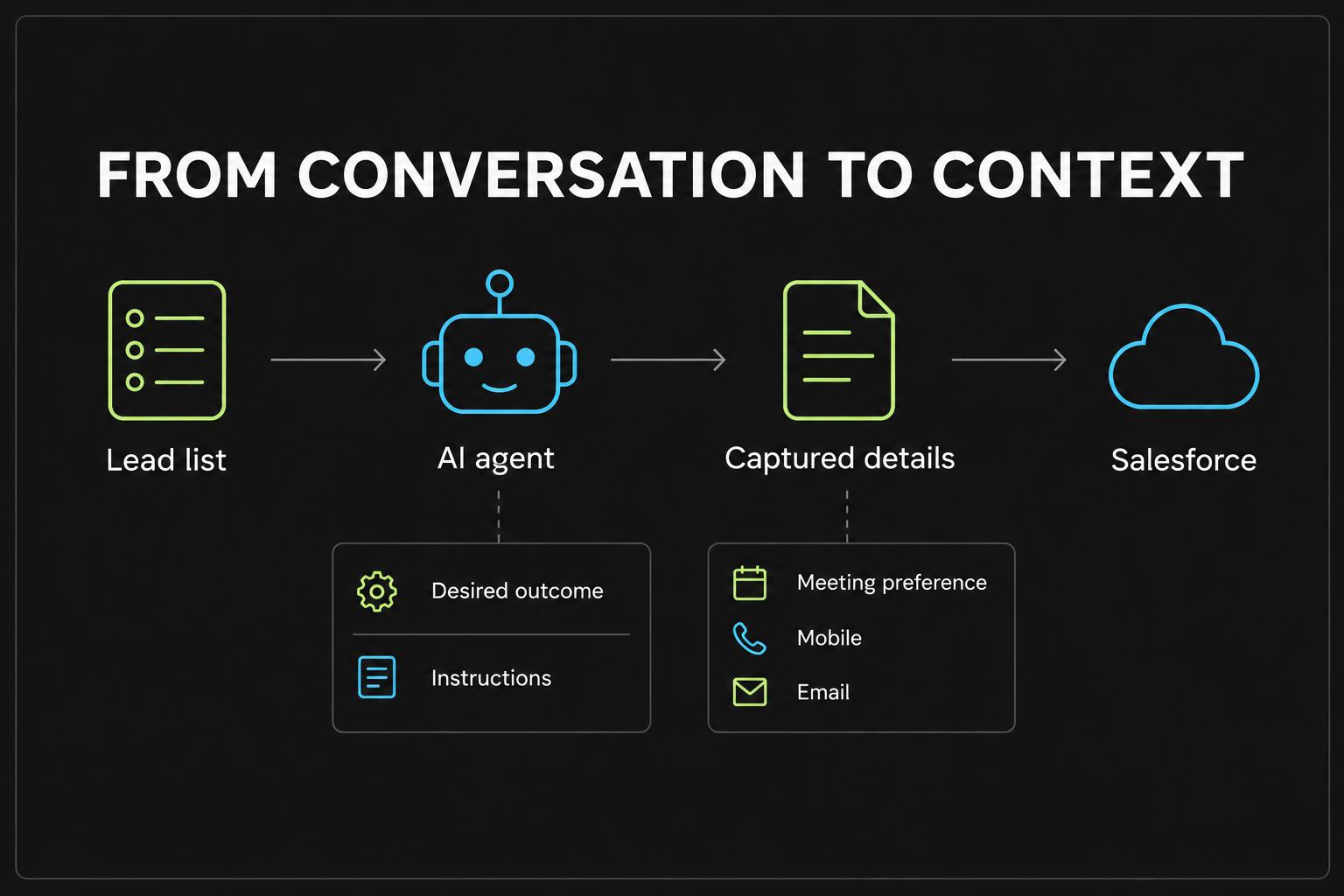
Guide · 5 min read
Mapping AI call data to Salesforce without making a mess
Pick the right fields, avoid overwriting good data and monitor sync health.
ReadPlaybook · 5 min read
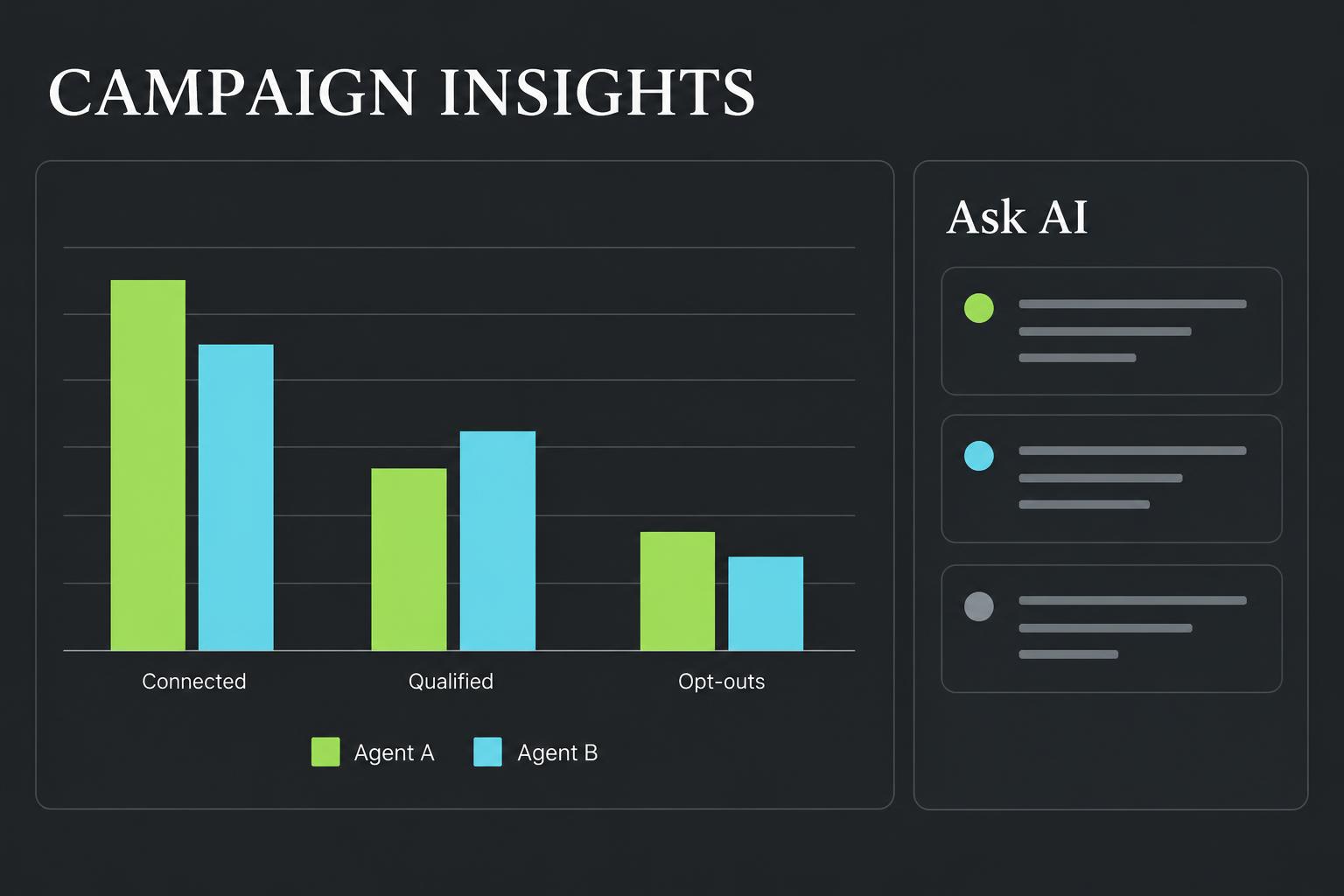
A/B testing AI agents: how many calls you actually need
Why 30 connected calls per variant is a floor, not a finish line.
ReadTechnical · 4 min read
Why AI phone calls feel slower than browser tests
Turn-based phone audio vs. real-time streaming—and what's coming next.
ReadFAQ
Good questions.
Clear answers.
What can I use Revenue Relay for?
Prospect qualification, meeting setting, equipment-rental discovery, inbound intake and logistics information gathering. Agents capture needs so a human can confirm pricing, availability and arrangements.
What do I need for real phone calls?
Connected phone and voice services, a number assigned to an agent and a published app. Browser tests use a separate real-time voice engine and need no phone number.
Can the agent transfer to a person?
Yes. Add a live transfer number to an agent; when the prospect asks for a person on a phone call, the agent transfers them.
Does Revenue Relay make my list compliant?
No. It records consent, runs eligibility checks and keeps an audit trail, but genuine consent and legal review remain your responsibility. DNC and litigator screening providers aren't connected yet.
Does Revenue Relay send confirmation texts or emails?
Not yet. Agents collect the preferred method and contact details; sending is on the roadmap.
Can the agent leave a voicemail?
Yes. Turn on Voicemail drop for an agent or campaign. When a call reaches voicemail, Revenue Relay waits for the beep and leaves your typed message in the agent's voice or your uploaded recording, then hangs up.
How is pricing handled?
Phone, voice and AI usage are billed by the connected services. Contact us to discuss plans for your team.