Platform · Consent & Compliance
Calling with consent, controls and a paper trail
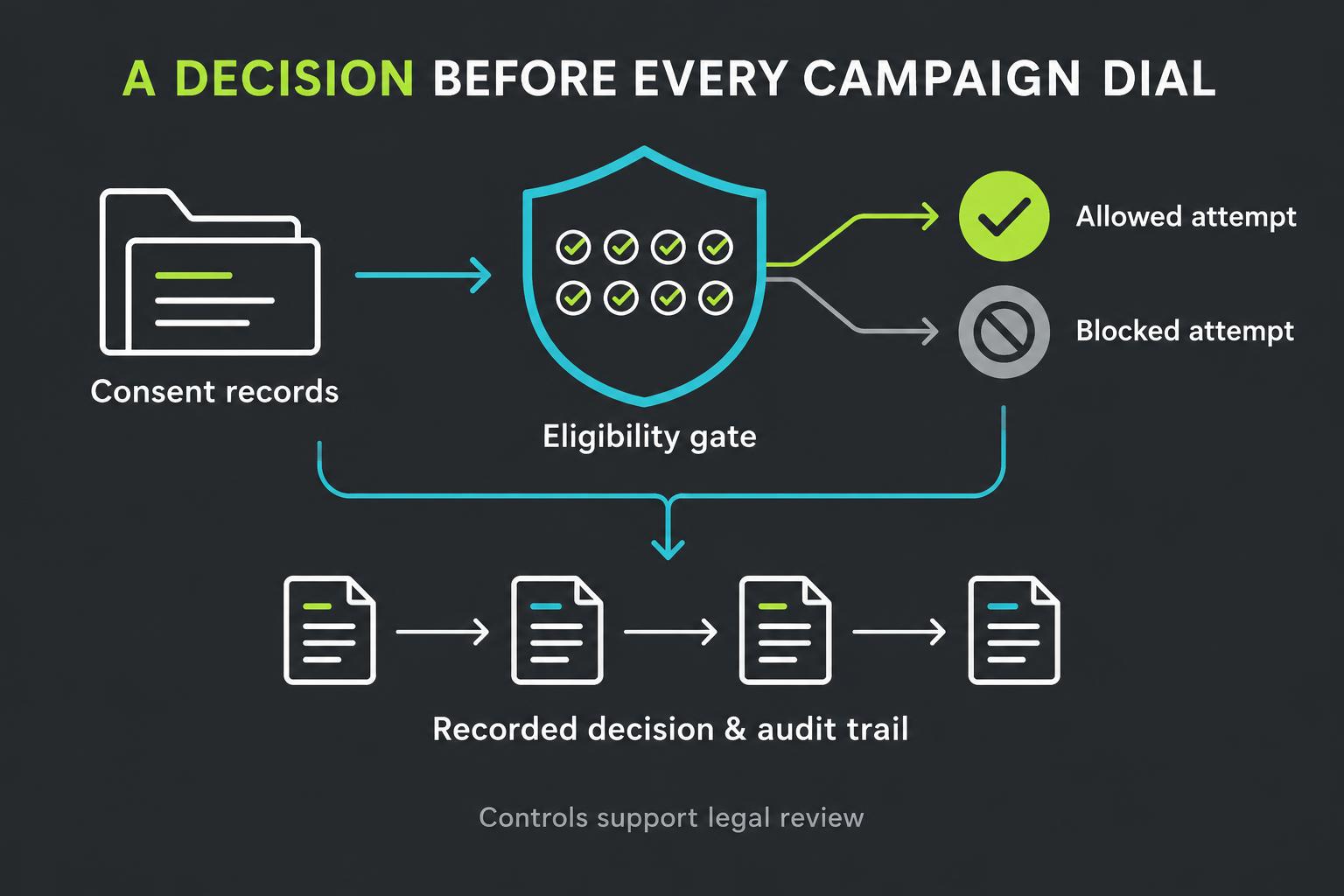
Keep consent evidence, opt-outs and campaign decisions alongside your contacts. Before any campaign dial, Revenue Relay runs an eight-check eligibility gate and stores the decision.
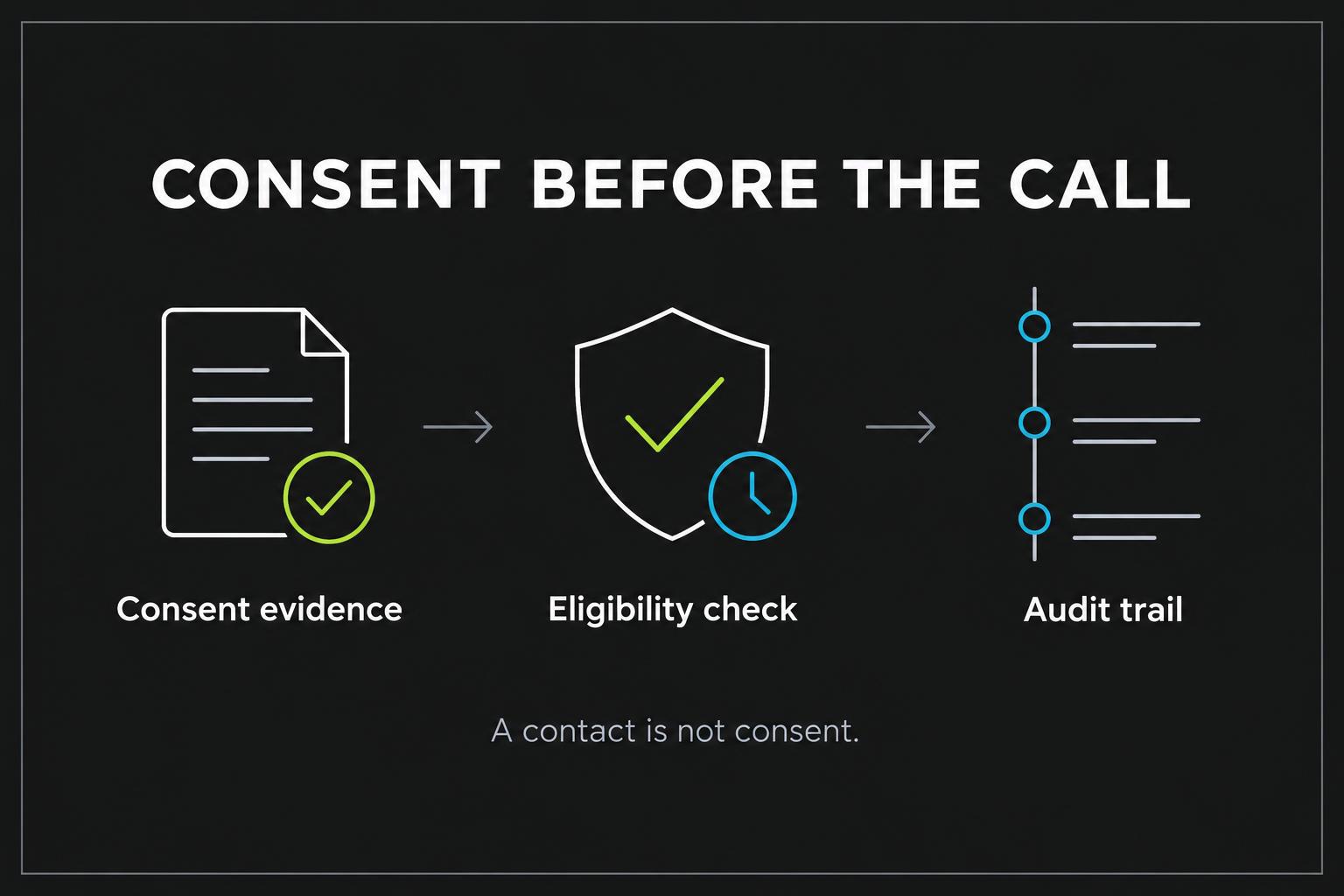
Records & consent ledger
Bring the contact, its source and its permission history into one reviewable record. Store consent evidence, the permitted channels, expiration and legal verification alongside voice, text and email opt-outs. Importing a lead or choosing a consent label does not establish permission to call.
- Keep evidence separate from assumptions about a prior relationship
- Record voice permission separately from text or email preferences
- Review consent captured in conversation and record it before further outreach
Eight checks. One recorded campaign decision.
Before a campaign call is placed, the eligibility gate evaluates all eight checks and saves a timestamped snapshot. A failed check blocks that campaign attempt, with the first failure and the individual check results available for review. These checks apply to campaign dialing; they are not a claim that every other calling path is covered.
- Inspect why an attempt was allowed or blocked
- Address missing evidence or settings before trying again
- Retain the decision even when no call is placed
01 · Consent: is there permission for this kind of call?
The gate looks for an unexpired consent entry that includes the voice channel and meets the campaign's required tier. Informational campaigns require informational consent or stronger; telemarketing campaigns require the written-telemarketing tier. For the prior-customer cohort, the qualifying consent must also be marked as verified by legal.
- Missing, expired or non-voice consent does not qualify
- A prior customer relationship alone does not pass this check
- The gate checks recorded evidence; it cannot establish whether that evidence is legally sufficient
02 · Opt-out scrub: has the contact said stop?
A recorded voice opt-out or all-channel opt-out blocks the campaign call, even if a qualifying consent entry remains on file. Text-only and email-only preferences are stored separately and do not by themselves block a voice call. Keeping suppression records current is essential: a spoken request is not a substitute for recording it in the ledger.
- Voice and all-channel suppression take priority over consent
- Maintain channel-specific preferences without treating them as interchangeable
03 · DNC scrub: has external screening cleared the number?
The do-not-call check is a required screening checkpoint, not a currently connected lookup service. Without a screening provider, production campaign attempts are blocked at this step. A campaign's explicitly labeled test mode can bypass the missing-provider check, but that is not a DNC clearance and must be restricted to numbers you own.
- No connected provider means no verified screening result
- Test-mode bypasses are recorded as not scrubbed, not as externally cleared
04 · Litigator / reassigned: is number-risk screening available?
This separate checkpoint reserves a place for screening litigation risk and reassigned numbers, where an old permission record may no longer describe the person answering. The external provider is not connected today, so production campaign attempts are blocked here too. Test mode bypasses the unavailable screening; it does not prove the number is safe or still belongs to the original contact.
- Do not assume an old contact record establishes current ownership
- Production screening requires an external provider connection
05 · Calling window: is this an allowed day and hour?
The gate evaluates the current day and hour in the campaign's configured timezone against its selected days and start/end hours. It also limits that window to 8 a.m.–9 p.m. in that timezone. An attempt outside the permitted window is blocked rather than automatically scheduled for later.
- Choose the timezone appropriate to the contacts you are calling
- The current check uses the campaign timezone, not an automatically detected timezone for each recipient
- The end hour is excluded: a window ending at 9 p.m. stops allowing calls at 9 p.m.
06 · Frequency cap: have there already been enough attempts?
Recorded attempts for the contact record across campaigns over the previous 24 hours and seven days are compared with the current campaign's daily and weekly limits. Both counts must remain below their limits before another call can proceed. Attempts blocked by eligibility are excluded from these counts; the limits are rolling windows, not calendar-day or calendar-week resets.
- Reaching either limit blocks another campaign attempt
- Count attempts, not just calls that connected
- Counts follow the contact record; separate duplicate records for the same number are not automatically combined
07 · State rules: does the configured hours profile allow the call?
The current implementation offers two simplified profiles: federal uses 8 a.m.–9 p.m.; strict narrows the hours to 9 a.m.–8 p.m. and requires a +1 number. This check applies in addition to the campaign calling window. It is not a state-by-state legal rules engine and does not determine the recipient's jurisdiction from the phone number.
- The stricter permitted window controls whether the attempt passes
- Have legal counsel determine appropriate settings for your audience
- A +1 number does not establish a particular state or legal jurisdiction
08 · Concurrency: is there room for another active call?
The gate compares the campaign's current active-call count with its configured concurrency cap. When the cap is reached, the attempt is blocked so the campaign does not intentionally start another call at that moment. Treat this as a capacity check—not a guarantee that a human transfer destination has an available representative.
- Set parallel-call capacity to match your operating needs
- Review active calls before starting additional outreach
A decision your team can inspect
The saved eligibility snapshot preserves the check results and the context used to make the decision before dialing. Review blocked attempts in campaign oversight, look for recurring causes in Insights and ask AI questions about your own compliance results. A passed snapshot explains the application's decision; it is not a legal certification or proof of an external screening result.
Append-only audit log
Consent, campaign and outcome changes are recorded in an append-only history rather than silently replacing the past. Together with eligibility snapshots and call records, this gives reviewers a traceable account of recorded decisions and subsequent outcomes. The history is only as complete as the evidence and actions recorded in the system.
Revenue Relay supports your compliance process but does not certify legal compliance. These eight checks govern campaign dialing. DNC and litigator/reassigned-number screening providers are not connected; production attempts remain blocked at those checks. Test mode is for numbers you own and does not waive consent, opt-outs, calling hours or other checks.