How it works
From list to conversation to pipeline.
The call workflow, the eligibility gate and the Salesforce writeback — what RevOps needs to know before saying yes.
The call workflow
Six steps, every call.
01
Define the outcome
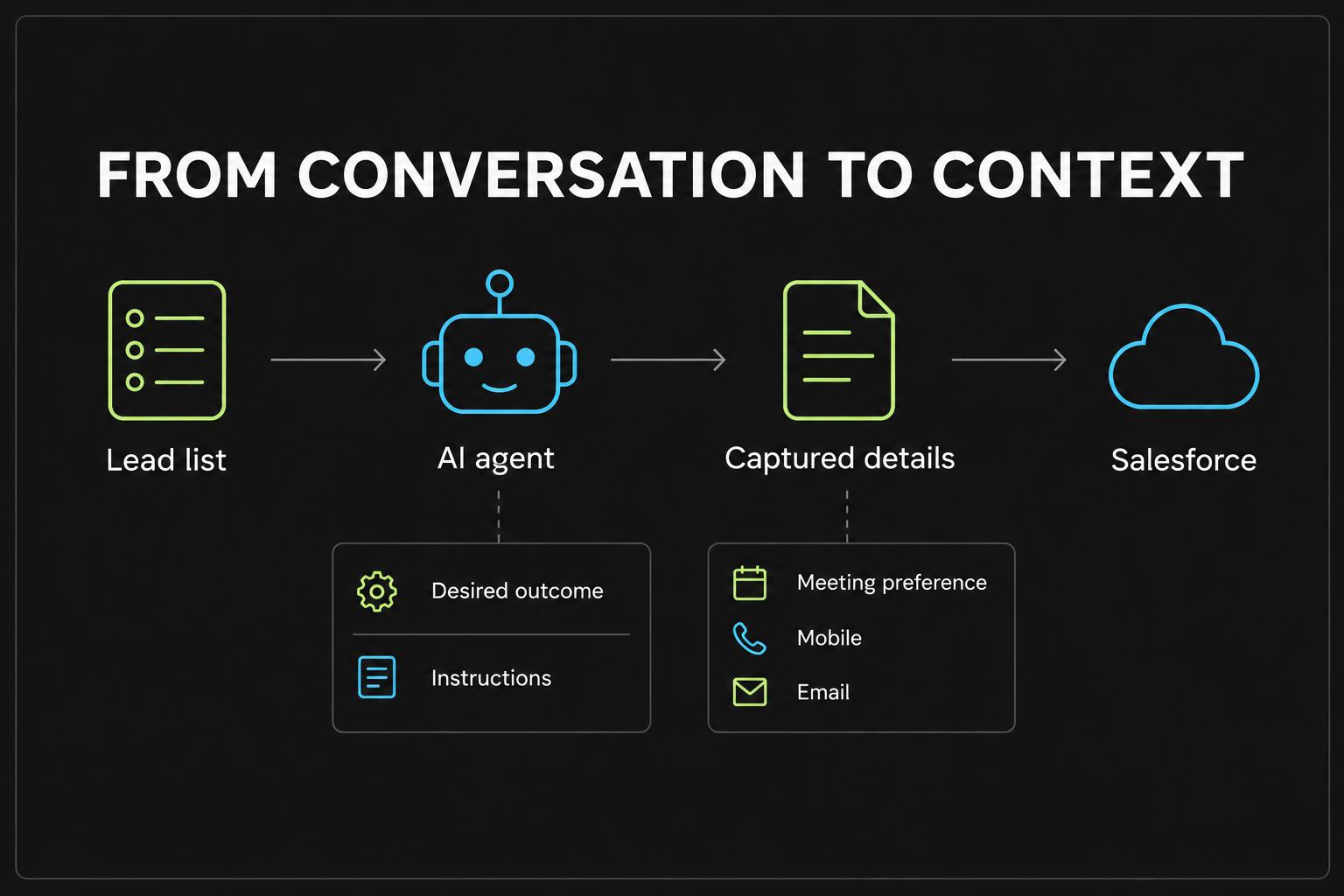
Start with the result you want — a qualified rental need, a meeting request, a reactivated account. AI drafts the instructions, greeting and fields to capture; your team reviews before anything is saved.
02
Test in the browser
Talk to the agent live. Interrupt it, object, go off-script. Adjust and retest until it sounds like your best rep on a good day.
03
Choose the list
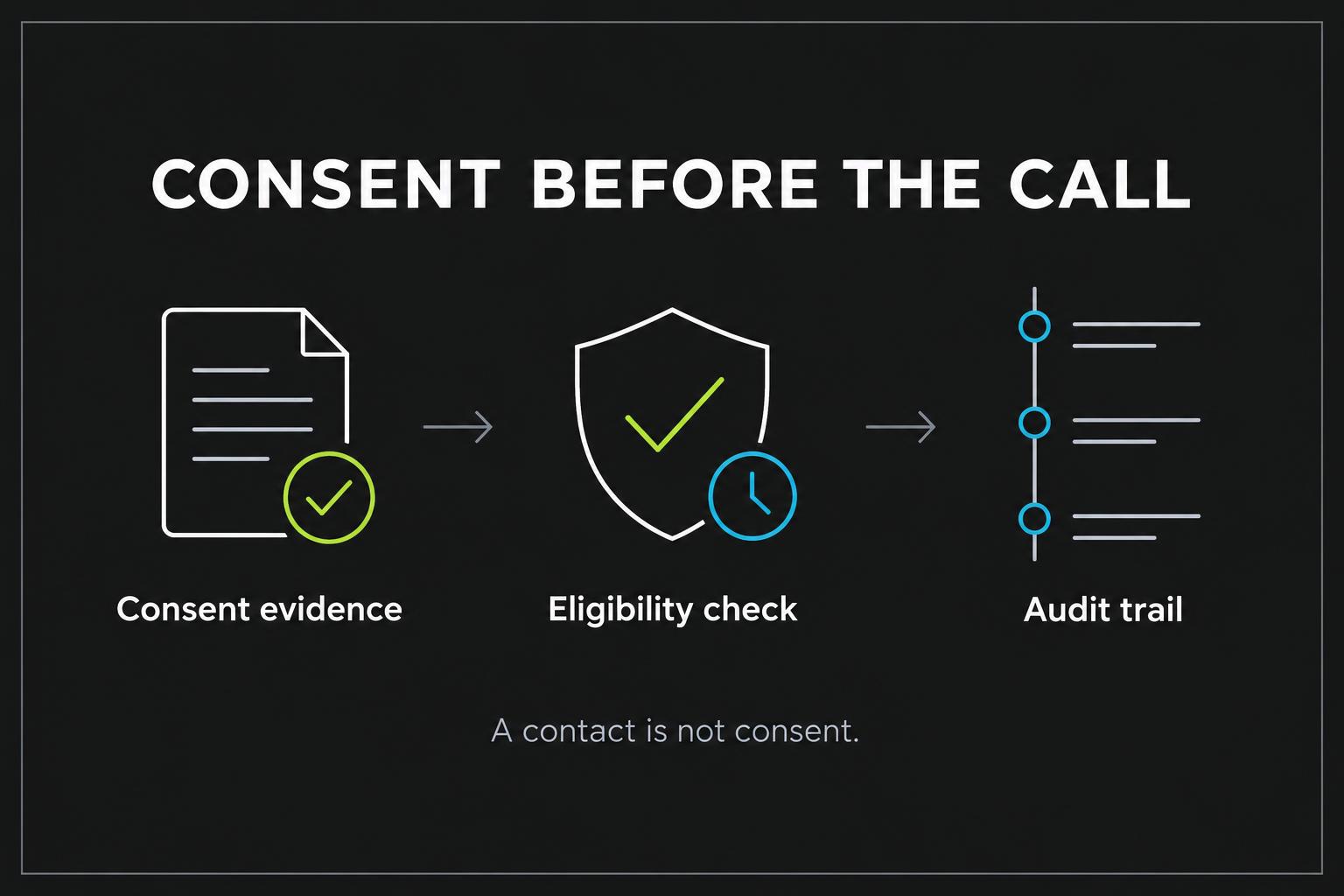
Pick a Salesforce Lead list view or an imported record set. Each record carries its consent evidence and opt-outs.
04
Clear the gate
Each campaign dial passes eight server-side checks. The full decision snapshot is saved before the phone rings — pass or block.
05
Hold the conversation
The agent discloses it's AI, confirms it has the right person, discovers and qualifies, and exits politely if there's no signal. Ask for a person and it transfers live.
06
Write it back
Transcript, summary, outcome and captured answers are saved; mapped Lead fields, status and a call activity are written to Salesforce.
The eligibility gate
Eight checks before the phone rings.
Checks run on the server, not in the browser. A blocked call is recorded with the reason, so you can show why it didn't happen.
Campaign is active
Paused or draft campaigns can't dial.
Record is reachable
A valid phone number in a supported format.
Consent on file
Evidence matching the campaign's required consent tier.
No opt-out
No voice opt-out recorded for the contact.
Suppression screening
DNC and litigator results, where a screening provider is connected.
Calling window
Within permitted hours in the contact's local time.
State rules
Restricted states and campaign-level state limits respected.
Attempt limits
Frequency caps so nobody is called too often.
Salesforce writeback
The call ends. The context stays.
Revenue Relay is built by Revenue.io on its Salesforce-native platform. Writes respect your Salesforce permissions and only touch fields you map.
Call activity
Logged against the real Lead with agent, caller number and call time.
Lead status
Updated from the call outcome when enabled.
Mapped fields
Each captured answer lands in a writable Lead field you choose.
Sync review
Failed writes are visible on the call and can be retried.
Automatic opportunity creation, sequences and follow-up tasks are on the roadmap, not yet available.
See it on your own list.
We'll walk through a design-partner deployment with your RevOps and compliance owners.