Qualified net-new opportunities
Surface buying signals and save qualification answers to mapped Salesforce Lead fields. A rep validates and creates the opportunity.
Industries · Equipment rental & construction
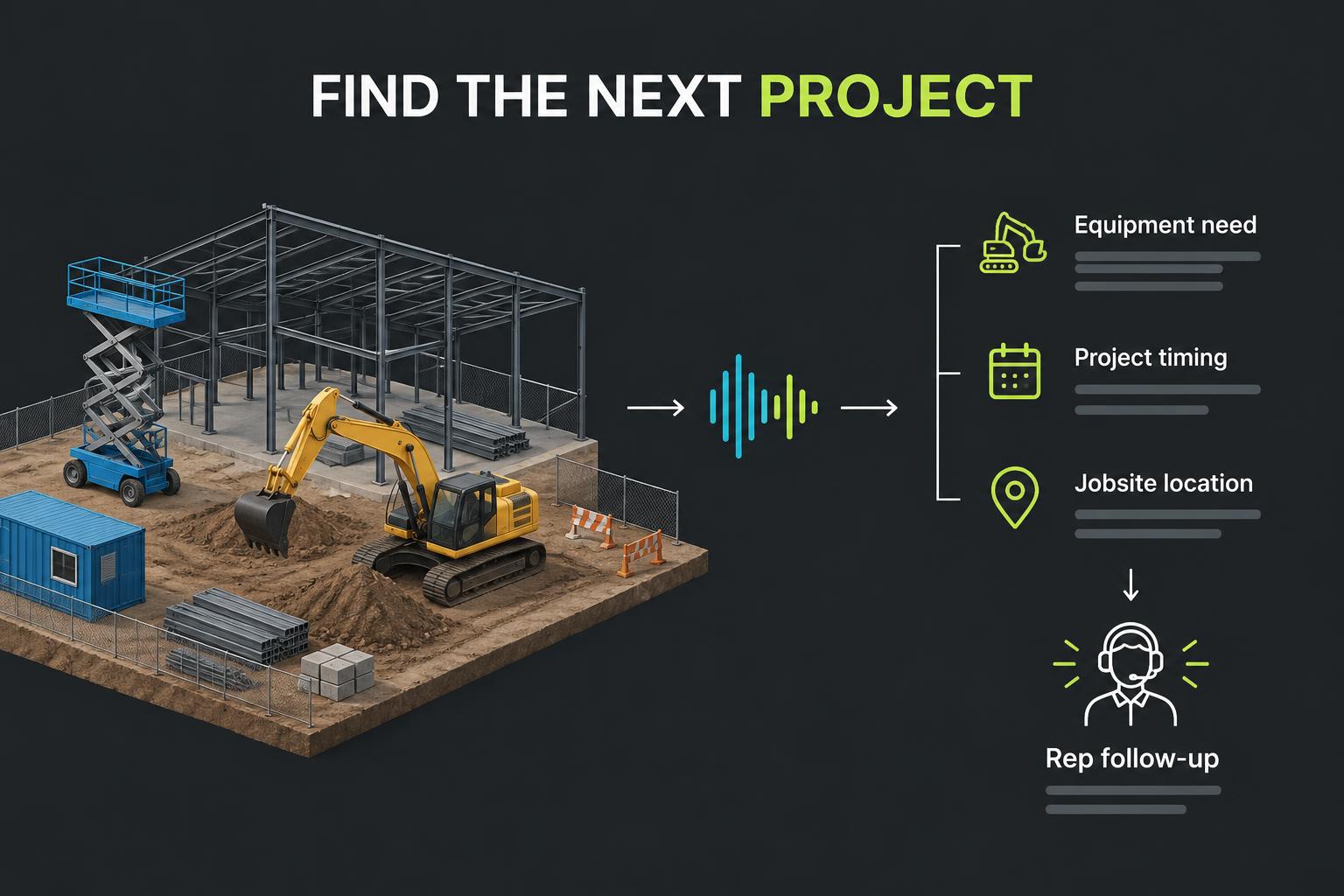
Uncover the next jobsite need, capture credit-account interest and check service readiness—without pulling branch reps away from customers at the counter.
The pain
Projects change faster than a branch can work its prospect list. Reps spend time chasing the right superintendent, repeating intake questions and checking pickups while promising rental needs go undiscovered.
The calling workflow
01
Work a permissioned list, confirm the responsible contact and ask about the project, equipment category and expected start. Capture enough detail for a rental specialist to take over.
02
Ask whether the contractor wants a credit-account conversation, verify business contact details and record the request. Branch staff send the application and handle financial information through their approved process.
03
Run readiness or pickup check-ins with supplied order context. Capture changes, access constraints and a request for a person rather than making inventory or dispatch promises.
Lead outcomes
Outcome goals—not claimed customer results. The agent captures context; people confirm commitments and complete unsupported external actions.
Surface buying signals and save qualification answers to mapped Salesforce Lead fields. A rep validates and creates the opportunity.
Identify the right contact and collect a name, role and confirmed contact details for the next conversation.
Verify role, project and contact details in conversation, then write collected answers to configured Salesforce Lead fields.
Identify interest in a credit account, trial or signup and collect an intake brief. Application submission and account creation remain with your team.
Ask about readiness, appointment preferences, pickup needs or service feedback using the context provided to the agent.
Illustrative conversation
A contractor expects a new commercial project to start next month, but the equipment list is not final.
What kind of equipment are you likely to need?
When do you expect work to start?
Who coordinates rentals for the jobsite?
The rep receives equipment interest, project timing, the correct contact and a request for follow-up—not an unverified reservation.
Example scenario, not a customer transcript.
Capture & measure
Configure these on the agent and map supported fields to Salesforce Leads. They are suggestions, not preinstalled fields.
Use transcripts, extracted answers and existing campaign and agent insights. Custom business measures may require your team's review; no pilot figures are reported here.
Controls & boundaries
No live inventory checks, rental booking, price quoting, credit approval or dispatch automation. Salesforce writeback targets mapped Lead fields and call activity.
Campaign calls use the eight-check eligibility gate and saved decisions. Genuine consent, current suppression records and legal review remain essential. Voicemail drop can leave a prepared message after the beep when enabled; it is a follow-up touch, not a completed conversation or permission to call.
Explore more
Design partners welcome